An Urdu logo makes a shop, madrasa, academy or YouTube channel feel local and trustworthy. Good Urdu calligraphy used to need a khattat (calligrapher); today you can make one in a few minutes. This guide shows how to make an Urdu logo for free, which fonts to use and the mistakes that break Urdu letters.
Nastaliq or Naskh?
Urdu is written in two main styles, and the choice changes the feel of your logo.
| Style | Looks | Best for | Fonts |
|---|---|---|---|
| Nastaliq | Flowing, slanted, traditional | Main brand name, signs, packaging | Noto Nastaliq Urdu, Gulzar |
| Naskh | Upright, clear, compact | Taglines, small sizes, app icons | Amiri, Lateef, Noto Naskh Arabic |
Nastaliq is what most readers expect from Urdu and looks elegant on a shop sign. It is also tall and needs more space, so use Naskh where the logo will be small.
Step 1: Type your name in Urdu
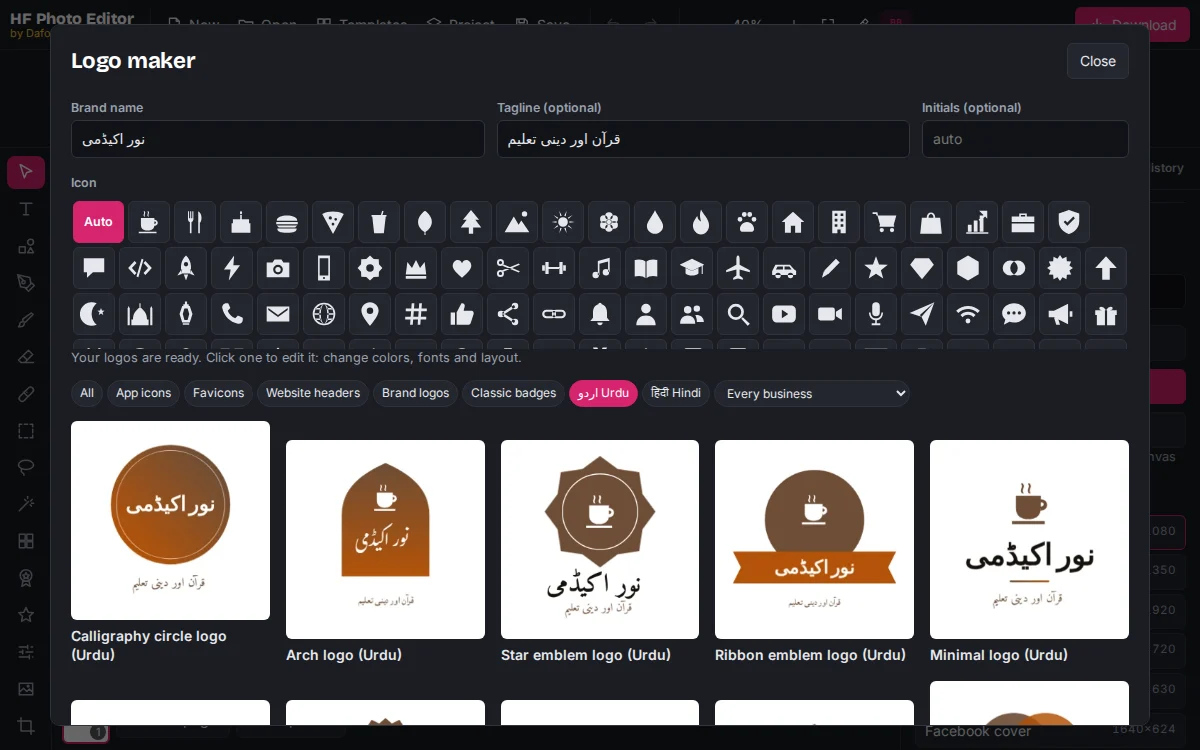
Open the logo maker in HF Photo Editor and type your business name in Urdu in Brand name, for example نور اکیڈمی. Add a tagline in Urdu or English. As soon as the logo maker sees Urdu letters, it shows the Urdu designs first. You can also click اردو Urdu above the designs.
To type Urdu, add the Urdu keyboard on your phone (Gboard on Android, or Settings → General → Keyboard on iPhone) or in your computer's language settings. You can also copy the name from WhatsApp or any Urdu app and paste it.
There are 224 Urdu designs: calligraphy circles, mehrab (arch) shapes, eight-point star emblems, ribbons, seals, frames, app icons and website headers. Browse all of them on the Urdu logo templates page.
Step 2: Change the font and colors
Click a design to open it. To change the calligraphy, click the Urdu name and pick another font in the Text section of the Properties panel. Search for "Nastaliq" or "Naskh" to see the Urdu fonts among the 1,700+ Google Fonts.
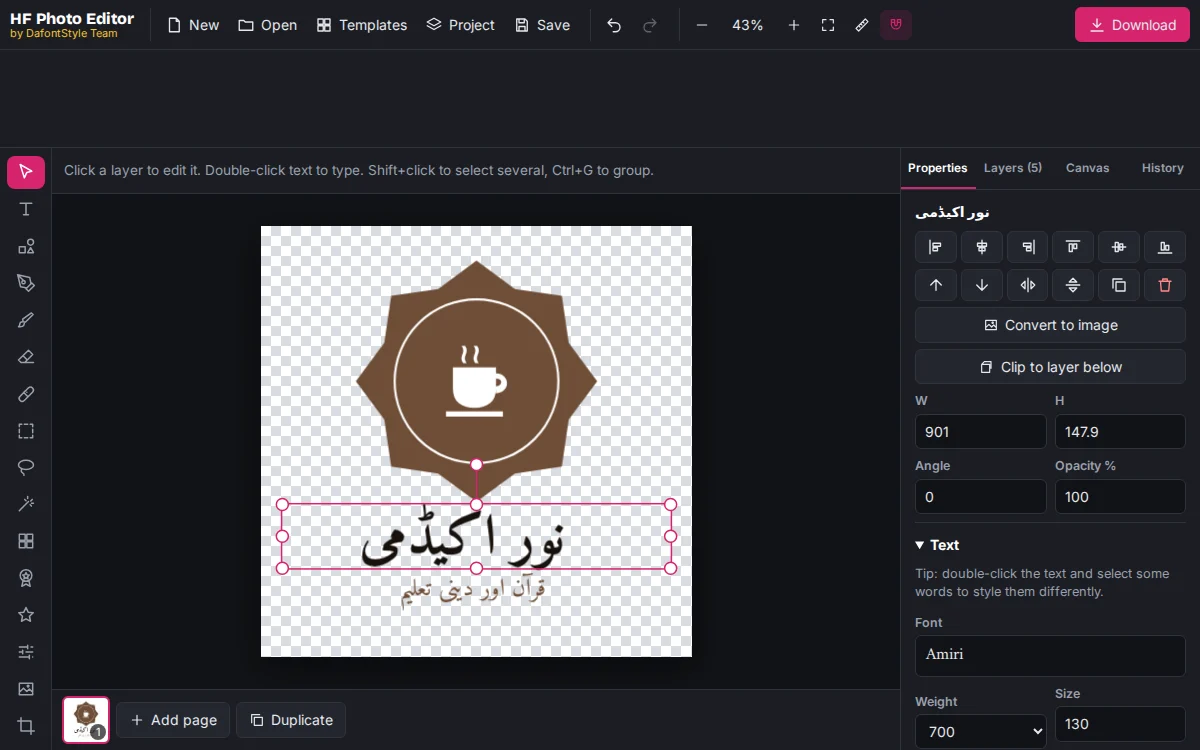
- Colors: green and gold suit Islamic academies, deep red and brown suit food, blue suits schools and clinics. With nothing selected, try the rows under Template colors.
- Size: Nastaliq letters rise high above and fall below the line. Leave space around the name so the tops and dots do not touch other shapes.
- Icon: choose one that matches your work, such as a crescent for an academy or a cup for a tea stall.
For more ways to style Urdu, Hindi and English text, see how to add text in any language to a photo.
Avoid these Urdu mistakes
Urdu letters join each other. A few common design habits break those joins:
- Letter spacing. Keep it at 0. Any spacing pulls the letters apart.
- Curved or circular text. Text on a curve is placed letter by letter, which separates Urdu letters. Keep Urdu on a straight line and curve only English text.
- Fake bold and stretching. Choose a heavier weight of the font instead of stretching the text, which distorts the calligraphy.
- Mixing fonts in one name. Use one font for the whole Urdu name.
- English fonts for Urdu. An English font has no Urdu letters, so the computer swaps in a plain fallback font. Pick a font made for Urdu.
Step 3: Check it on a sign
Open the Canvas tab and click See it on mockups. An Urdu logo is often used on a shop board, so check it there: the name should be readable from across the street.
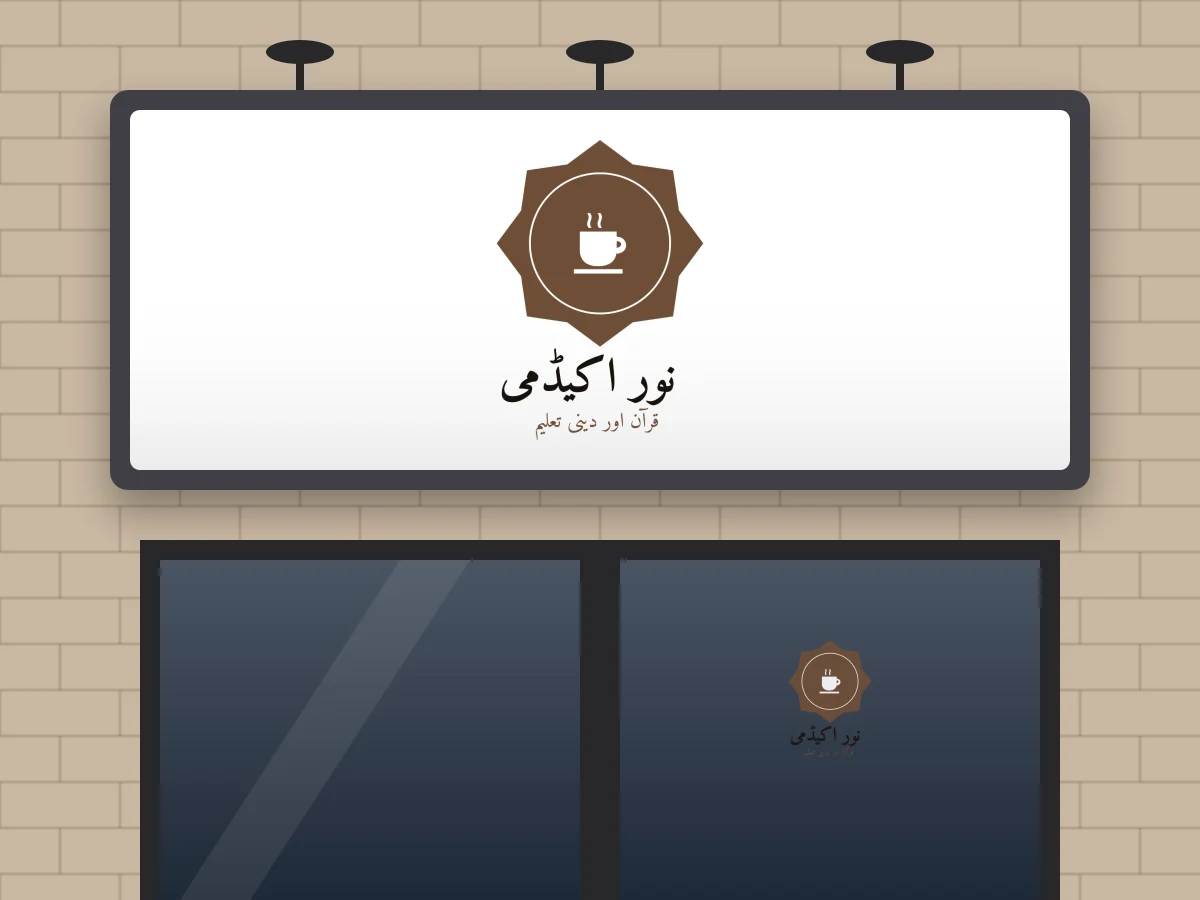
If the tagline is too small on the sign, drop it from that version or move it to a second line in a Naskh font.
Step 4: Download
Click Download and choose:
- PNG at 3× for social media, WhatsApp, flex printing and business cards. The background stays transparent.
- SVG for your website. The Urdu font travels inside the file, so the calligraphy looks the same on every computer.
- PDF for a printing press.
Need the square version for Facebook, Instagram or YouTube? Check the profile picture sizes for each network before you upload.
Hindi logos too
The same steps work in Hindi. Type the name in Devanagari, such as चाय कॉर्नर, and the logo maker shows the Hindi logo templates first, with fonts like Yatra One, Rozha One and Baloo. The same rules apply: no letter spacing and no curved Hindi text.
Next steps
Once your Urdu logo is ready, make the rest of the set from the complete logo-making guide: a wide website header, a square profile picture and a simple icon for your favicon.