A full photo editor that opens in your browser
AI background remover, layers and masks, selections, Google Fonts and PSD support, with nothing to install. Works on any laptop, Chromebook or phone, even where Photoshop does not run.
Free, no sign-up, photos stay on your device.
Everything you need for everyday editing
Logo maker
Type your brand name and see 16 logo and badge designs with your name, text around a circle and 188 icons. Download as a transparent PNG.
130+ free templates
Instagram posts, stories, Ramadan, Eid and 14 August designs, restaurant menus, real estate flyers, YouTube thumbnails, posters, wedding and nikah cards and business cards.
AI background remover
Remove the background from a photo in one click. The AI runs inside your browser, so your photo is never uploaded.
Layers, masks and groups
Non-destructive layer masks, 16 blend modes, groups, merge down and flatten. Hide, lock, rename and reorder any layer.
Selection tools
Rectangle, ellipse, lasso and magic wand. Delete, keep, invert, crop to selection or copy it to a new layer.
Remove objects
Paint over people, cars, wires or anything else and content-aware fill rebuilds the background. Spot healing, healing brush and clone stamp included. Free and unlimited.
1,700+ Google Fonts
Search every Google Font, including Urdu and Arabic fonts like Noto Nastaliq Urdu. Curve text into arches and circles for logos and badges, or run it along any path.
Curves and adjustment layers
Non-destructive adjustment layers like Photoshop: curves with a live histogram, levels, hue/saturation, exposure, black & white, photo filter, gradient map and more. Limit any adjustment to a selection.
Opens and saves PSD
Open Photoshop PSD files with their layers and export your design as a layered PSD, SVG, PDF, PNG, JPG or WebP.
Pen tool and vector paths
Draw precise curves and shapes with the pen tool, edit every point and handle, convert shapes to paths, and turn any path into a selection for clean cut-outs.
Smart guides and history
Layers snap to the canvas and to each other while you move them. Jump back to any step in the History panel.
Works everywhere
Windows, Mac, Chromebook, Linux, Android and iPhone. No install, no account, and your last design is restored automatically.
How to edit a photo online
Open your photo
Press Open, drag a photo onto the page, or paste it with Ctrl+V.
Edit with layers
Add text in any Google Font, apply filters, crop, draw and add shapes.
Download
Save as PNG, JPG or WebP, or save the project to finish later.
When your device cannot run Photoshop
Photoshop needs a strong Windows or Mac computer and a paid plan. Many people work on Chromebooks, older laptops, office PCs or phones. HF Photo Editor gives you layers, fonts and filters on all of them, for free.
| HF Photo Editor | Desktop editors | |
|---|---|---|
| Install | None, opens in browser | Large download |
| Price | Free | Usually a monthly plan |
| Chromebook and phone | Yes | Limited or no |
| Account needed | No | Yes |
| PSD files | Open and save | Yes |
| Healing and clone stamp | Yes | Yes |
| Pen tool and paths | Yes | Yes |
| Curves and adjustment layers | Yes | Yes |
Guides
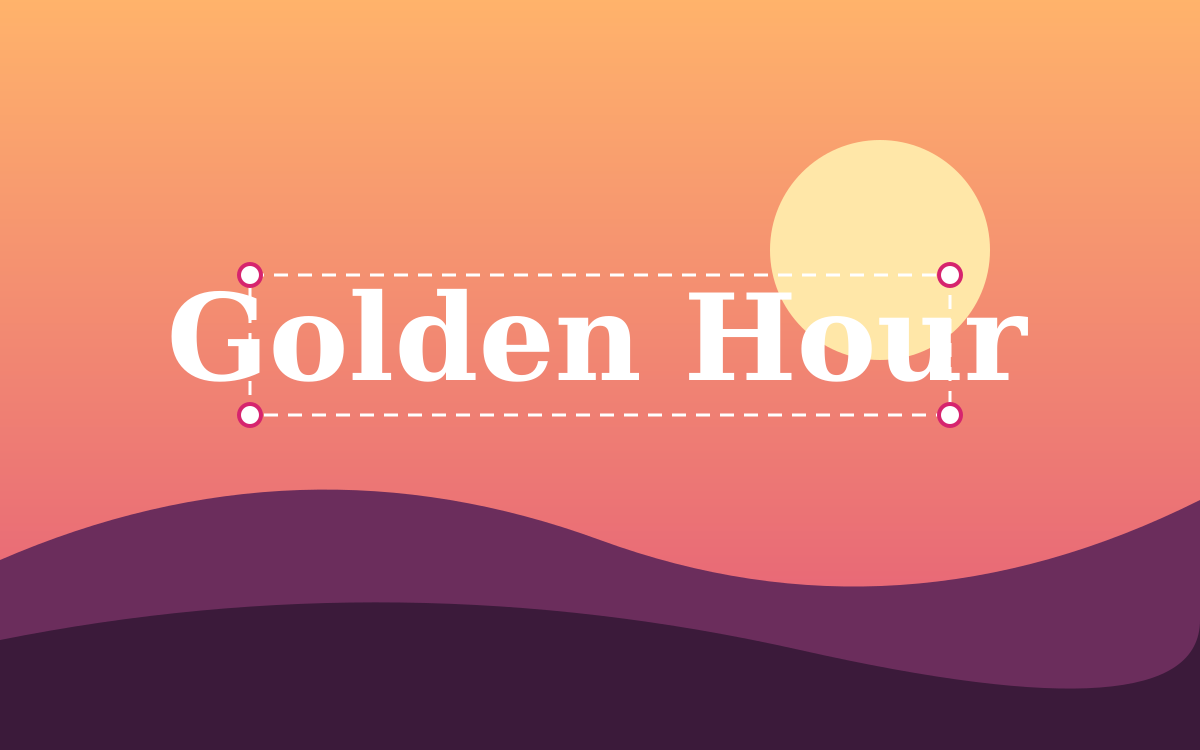
How to Add Text to a Photo Online (With Any Google Font)
Add stylish text to any photo in your browser: pick from 1,700+ Google Fonts, add outlines and shadows, and download a PNG or JPG.
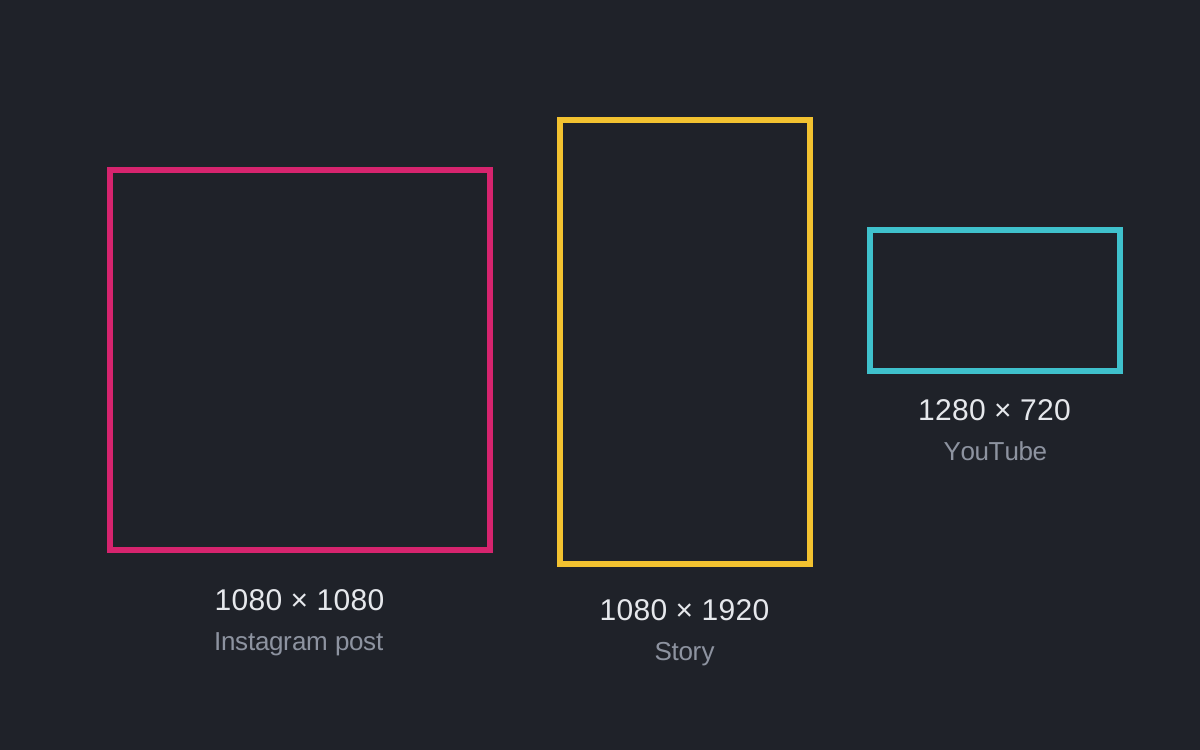
Image Sizes for Instagram, YouTube and Facebook (and How to Resize)
The right image sizes for Instagram posts, stories, YouTube thumbnails and Facebook covers, and how to resize a photo online without stretching it.
How to Make a Transparent PNG Online
Create logos, stickers and overlays with a transparent background in your browser, and download them as PNG.
Questions people ask
Is HF Photo Editor free?
Yes. Every tool, font and export is free. There is no sign-up and no watermark.
Do I need to install anything?
No. It runs in your web browser on Windows, Mac, Chromebook, Linux, Android and iPhone. It is a good option when Photoshop is not available for your device.
Are my photos uploaded to a server?
No. Photos are opened and edited inside your browser. They never leave your device unless you download or share them yourself.
Can I keep working on a design later?
Yes. Your latest design is kept in this browser automatically, and you can also press Save to download a project file and open it any time.
Can it replace Photoshop?
For social posts, thumbnails, cut-outs, background removal, text design, color correction and layered PSD work, yes. It also has spot healing, a healing brush and a clone stamp for retouching. It has a pen tool with editable vector paths too. It also has curves and non-destructive adjustment layers. Photoshop still has more for smart objects, 3D and RAW photos.
Can I open PSD files?
Yes. Open a PSD and each layer comes in as a separate layer. You can also download your design as a layered PSD for Photoshop, Photopea or GIMP. Text layers are kept as pixels.
Which fonts can I use?
All Google Fonts, which are free for personal and commercial use under open licenses.