One logo has to work in many places: a 16-pixel browser tab, an app icon on a phone, a website header and a printed sign. Each place has its own size and shape. This guide lists every size you need and shows how to export all of them from one design.
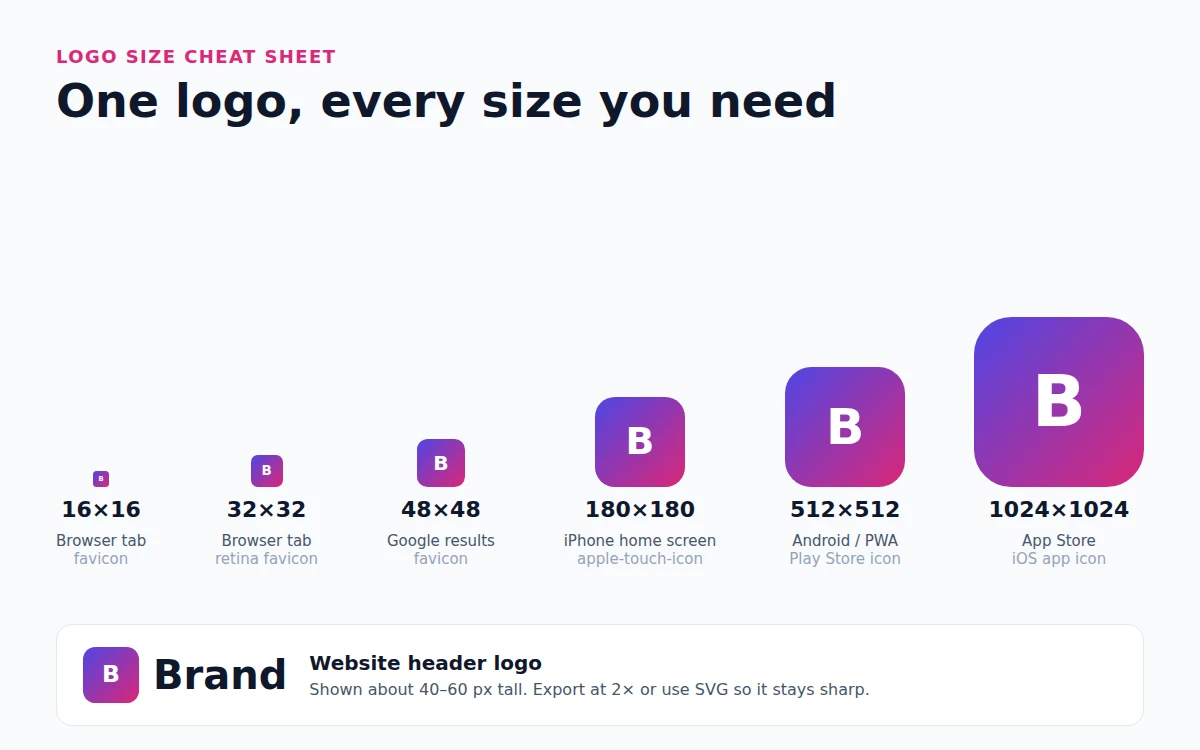
Logo sizes at a glance
| Where | Size (pixels) | File |
|---|---|---|
| Browser tab (favicon) | 16 × 16 and 32 × 32 | ICO, PNG or SVG |
| Google Search results | 48 × 48 or any multiple of 48 | PNG or SVG |
| iPhone home screen (apple-touch-icon) | 180 × 180 | PNG |
| Android home screen and PWA | 192 × 192 and 512 × 512 | PNG |
| WordPress Site Icon | at least 512 × 512 | PNG |
| Google Play store icon | 512 × 512, up to 1 MB | PNG |
| iPhone App Store icon | 1024 × 1024, no transparency | PNG |
| Website header logo | about 40–80 px tall on screen | SVG or PNG at 2× |
| Social media profile | square, 400 × 400 or larger | PNG or JPG |
| 300 pixels per inch | SVG or PDF |
The safest plan is to keep one master logo as a large square (1000 × 1000 or more) plus an SVG, and export everything else from it. If you do not have a logo yet, make your logo first and come back here.
Favicon sizes
The favicon is the small icon in the browser tab, in bookmarks and next to your site in Google results. Browsers show it at 16 × 16 and 32 × 32 pixels, and Google Search asks for a square image that is a multiple of 48 pixels (48 × 48, 96 × 96, 144 × 144 and so on).
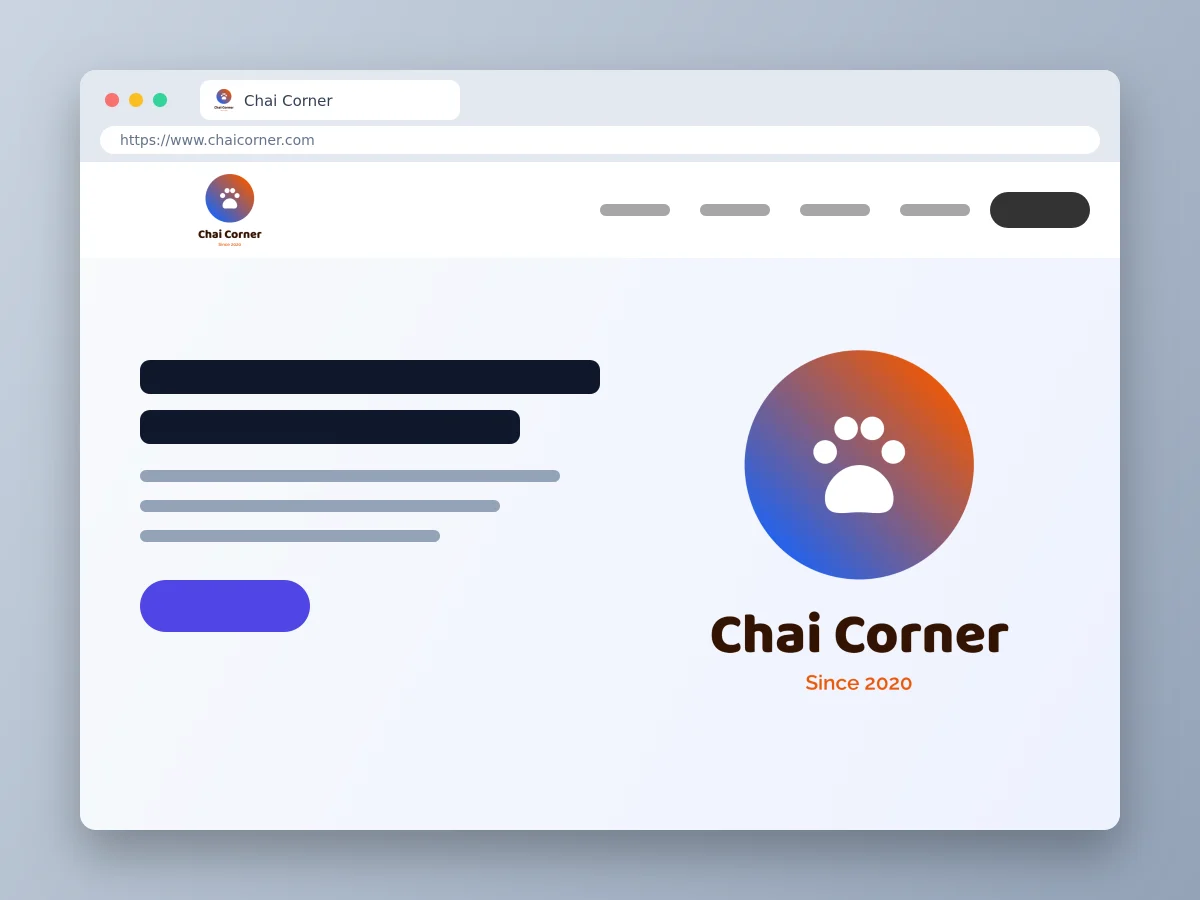
At 16 pixels there is no room for words. Use only the icon or your initials, with strong contrast. Start from a 512 × 512 square: it is large enough for every favicon size, for Android and for WordPress, which asks for a Site Icon of at least 512 × 512.
A typical set of favicon files looks like this:
favicon.icowith 16, 32 and 48 pixel versions inside, for older browsersicon.svgfor modern browsers, which keeps the icon sharp at any sizeapple-touch-icon.pngat 180 × 180 for iPhone and iPad home screensicon-192.pngandicon-512.png, listed in your web app manifest, for Android and installable web apps
In HF Photo Editor, pick a design under Favicons in the logo maker. These are 512 × 512 squares with bold initials or a single icon, so they stay readable when small. Follow our step-by-step favicon guide to add it to WordPress, Shopify or your own HTML.
App icon sizes for Android and iPhone
App icons follow stricter rules because the phone, not you, decides the final shape.
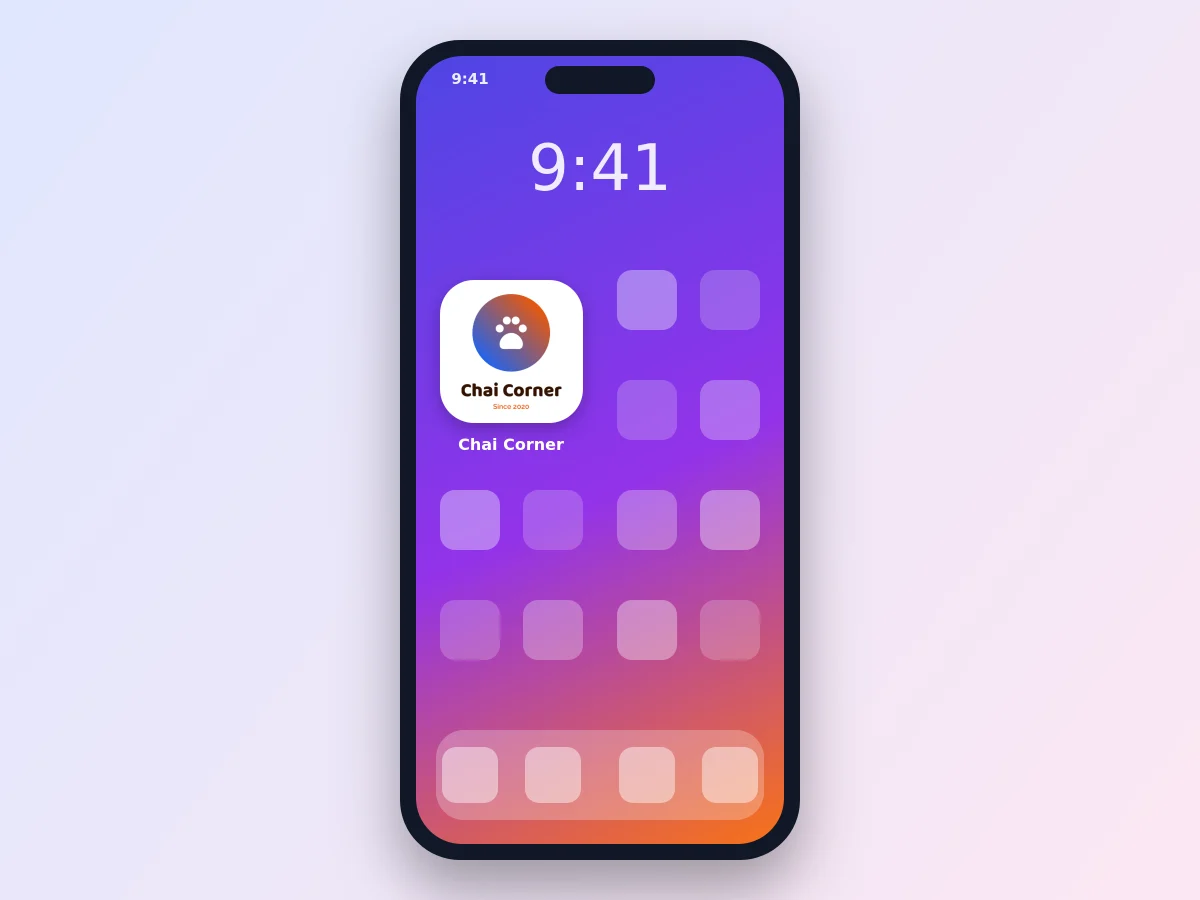
Google Play asks for a 512 × 512 PNG of up to 1 MB. Upload a full square; Google Play rounds the corners for you, so do not add rounded corners or shadows yourself.
Android adaptive icons are made of layers of 108 × 108 dp. The phone shows only the middle 72 × 72 dp and crops it into a circle, squircle or rounded square depending on the brand of the phone. Keep the important part of your logo inside the central 66 dp circle.
iPhone and iPad need one 1024 × 1024 PNG for the App Store, with no transparency. The system rounds the corners, so fill the whole square with your background color.
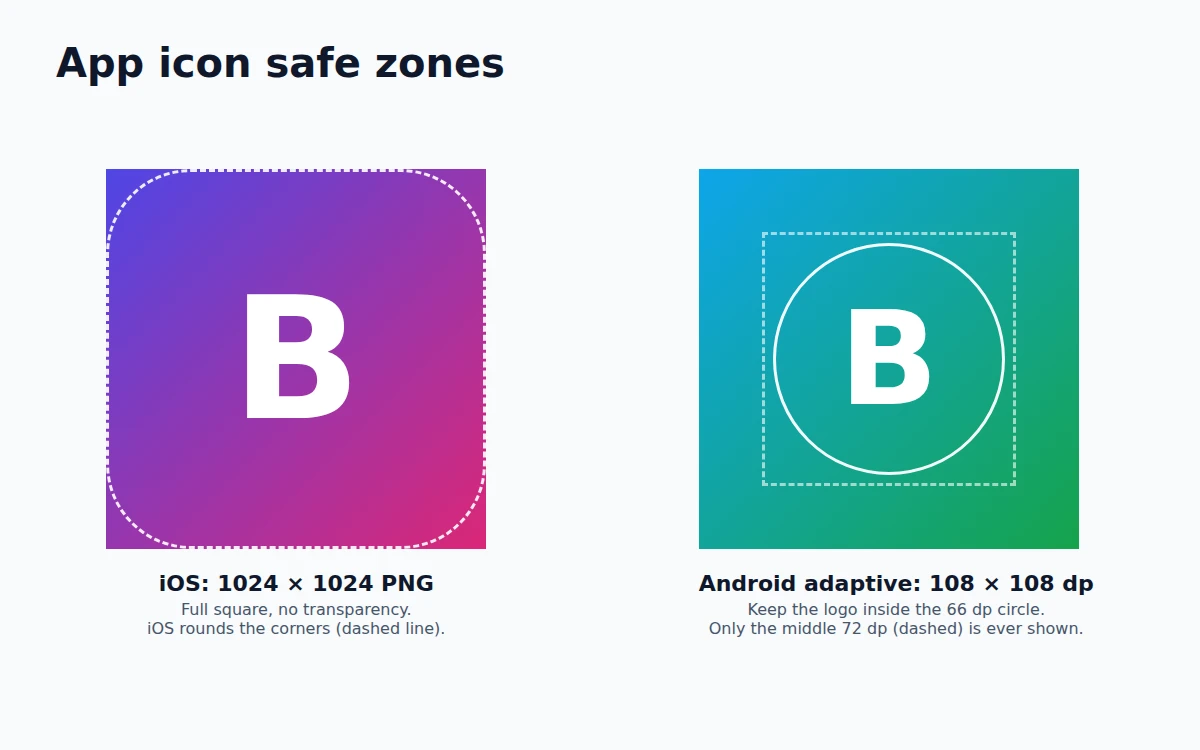
For an installable web app, add a maskable 512 × 512 icon too. Keep the logo inside the central circle that is 80 percent of the width, because Android may crop the rest.
The App icons tab of the logo maker gives 1024 × 1024 designs with the icon centered. They show rounded corners so you can judge the look. Before you upload to a store, select the rounded background shape, set Corner radius to 0 and type 1024 in W and H so it fills the whole square. Then download PNG at 1× for exactly 1024 × 1024. Our guide on how to make an app icon covers Android Studio, Xcode and the alpha-channel error. Browse the mobile app logos and startup logos for ideas.
Website header logo size
There is no single standard for the logo in your website header, but most sites show it 40 to 80 pixels tall. A wide logo with the icon next to the name works best there, because a tall square logo wastes the space of the header.
- Upload the logo at twice the size it is shown. A logo shown at 200 × 50 should be a 400 × 100 file, so it stays sharp on phones and Retina screens.
- Better still, use SVG. It is usually smaller than a PNG and sharp at every size.
- Keep a transparent background so the logo works on any header color. Here is how to make a transparent PNG.
The Website headers tab in the logo maker has 1200 × 300 designs (a 4 : 1 shape), ready for a header. Shops can start from the online store logos.
Social media profile picture sizes
Every network shows your logo as a small square or circle, and each one picks a slightly different size. The simple rule: upload a square of at least 400 × 400 pixels (1000 × 1000 is even better) and keep the logo away from the corners, because most networks crop it into a circle.
| Network | Upload | Shown at about |
|---|---|---|
| 320 × 320 or larger | 110 px circle on phones | |
| YouTube | 800 × 800 | 98 px circle |
| X (Twitter) | 400 × 400 | small circle |
| LinkedIn company page | 400 × 400 | square |
| Facebook page | 400 × 400 or larger | about 176–196 px circle |
Use the icon-only or initials version of your logo for profile pictures. A full name with a tagline is usually too small to read. For cover photos, banners and post sizes, see our guide to image sizes for Instagram, YouTube and Facebook, or start from the YouTube channel art templates.
Logo size for print
Printers work in inches or millimeters, not pixels. The rule is 300 pixels per inch.
- A logo 1 inch wide on a business card needs at least 300 pixels.
- A logo 2 inches wide on a letterhead needs at least 600 pixels.
- For signs, banners and T-shirts, send an SVG or PDF. They print sharp at any size, so the printer never has to stretch a small image.
In HF Photo Editor, the Download dialog picks 3× for logos by default, which gives a PNG of about 3000 pixels. That is enough for prints up to about 10 inches wide. Choose 4× or SVG for anything larger.
Export every size from one design
You do not need a separate design for each size. Make one master logo, then:
- Download the brand logo as PNG at 3× and as SVG.
- Open the favicon version and download it as PNG at 1× (512 × 512). That one file works for WordPress, Android and your web app manifest, and most website builders and favicon generators make the smaller sizes from it.
- Open the app icon version and download it at 1× for the exact 1024 × 1024 store size.
- Use One design, every size in the Canvas tab to turn the logo into a Facebook cover, a YouTube banner or an Instagram post in one click.
Keep every file in one folder with clear names such as logo-header.svg, logo-square-3000.png and favicon-512.png. When you change your colors next year, update the project once and export the set again.