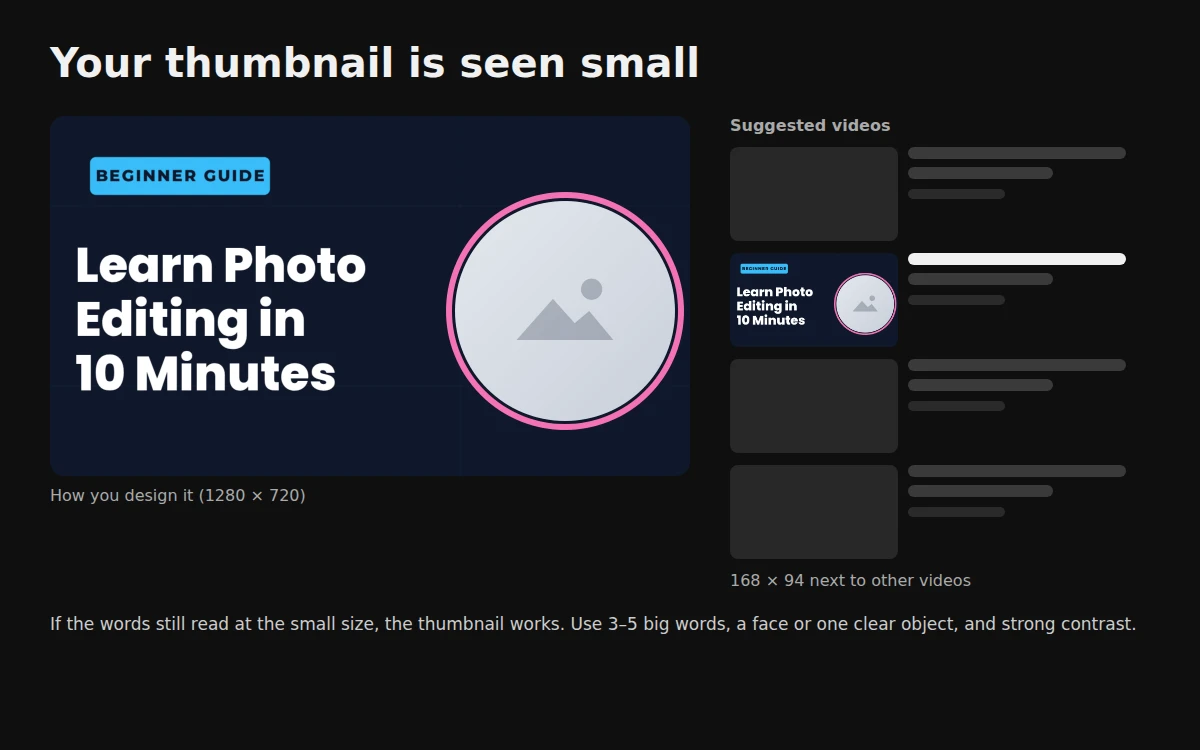
On YouTube, the thumbnail decides whether people click. Most viewers see it small, next to other videos, for a second or two. This guide shows how to make a thumbnail in the right size for free, and how to make sure it still works when it is tiny.
The thumbnail size YouTube wants
| Setting | Value |
|---|---|
| Size | 1280 × 720 pixels |
| Shape | 16:9 |
| Minimum width | 640 pixels |
| File type | JPG, PNG or GIF |
| File size | Under 2 MB |
All our YouTube thumbnail templates use this size, so you do not need to resize anything. For the other platforms, see the YouTube thumbnail size and other image sizes for Instagram and Facebook.
Step 1: Start from a template
Open HF Photo Editor, click Templates and search for thumbnail. There are designs for tutorials, challenges, gaming, recipes, podcasts, top-10 lists, news, workouts, money, unboxing, tech reviews and reactions, plus Urdu news, cooking and Islamic bayan thumbnails.
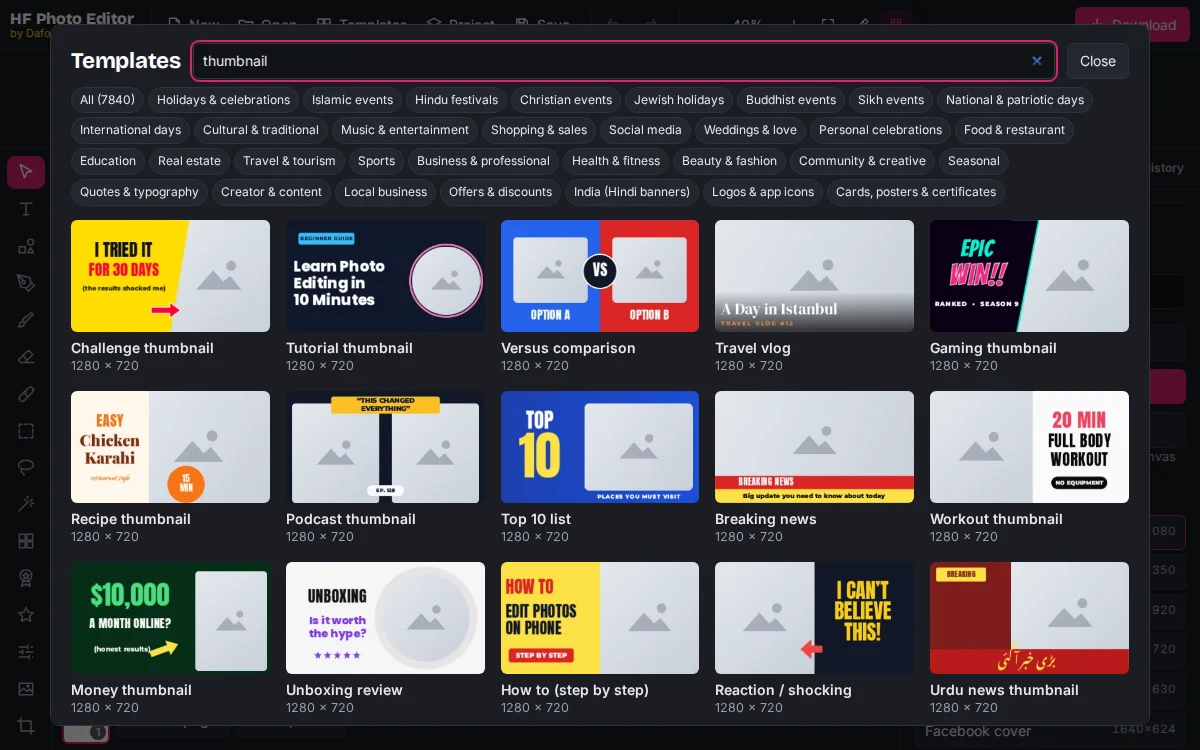
Click a design to open it. Every text, shape and photo frame is editable.
Step 2: Add your photo
A face showing a clear emotion, or one clear object, gets more attention than a busy scene. If the photo is dark, brighten a dull photo in one click first.
- Drag your photo onto the photo frame, or select the frame and press Add your photo.
- Drag the photo inside the frame to choose which part shows.
- To place yourself in front of the background, open your photo, press Remove background (AI) and move the cut-out next to the text. Our guide on how to remove the background from your photo shows the steps and how to fix the edges.
Step 3: Write 3–5 big words
Double-click the text to change it. Keep it short: the video title already explains the details.
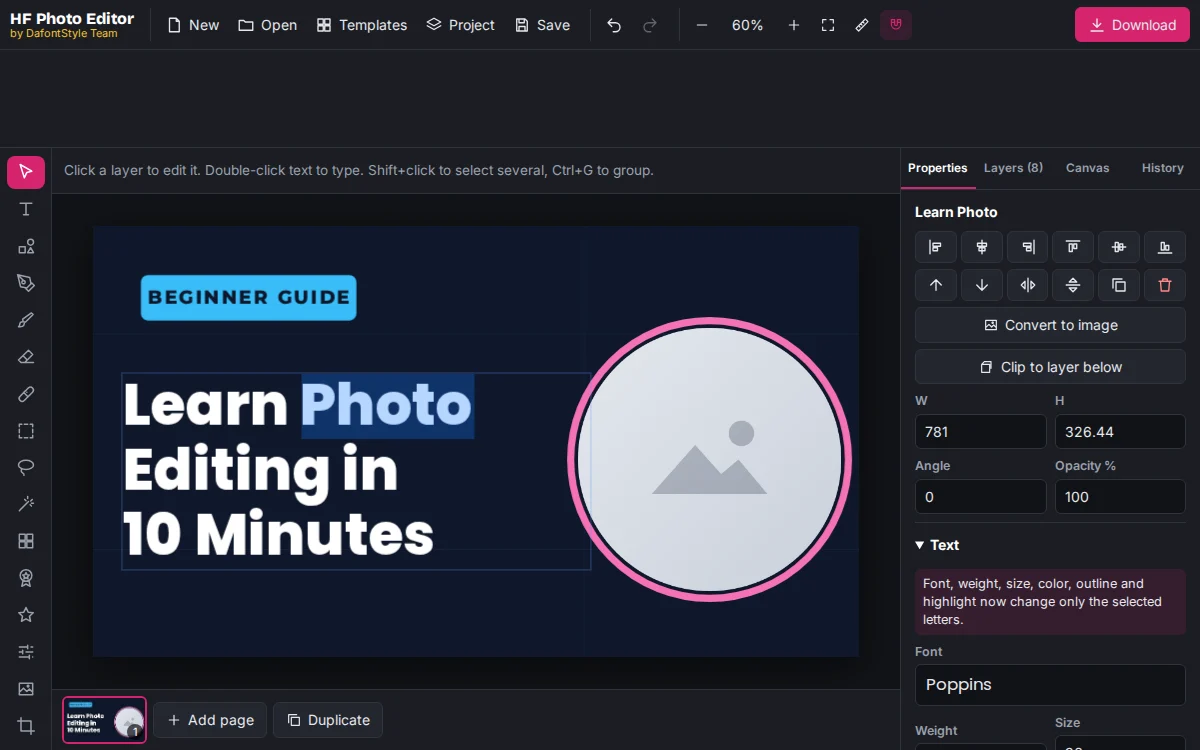
- Big and bold. Use a heavy font such as Anton, Bebas Neue or Montserrat Black. Our guide on how to add bold text to a photo shows outlines and shadows that make words pop.
- High contrast. Yellow or white on dark, or black on yellow.
- Highlight one word. Give the key word a different color.
- Avoid the bottom-right corner. YouTube covers it with the video length.
- Write in your viewers' language. Urdu and Hindi thumbnails work well for local audiences.
Step 4: Check it at small size
Zoom the canvas out to about 15 percent, or look at it from across the room. Ask yourself:
- Can you read every word?
- Can you tell what the video is about in one second?
- Does it look different from the other thumbnails in your niche?
If not, remove words, make the text bigger or simplify the background.
Step 5: Download and upload
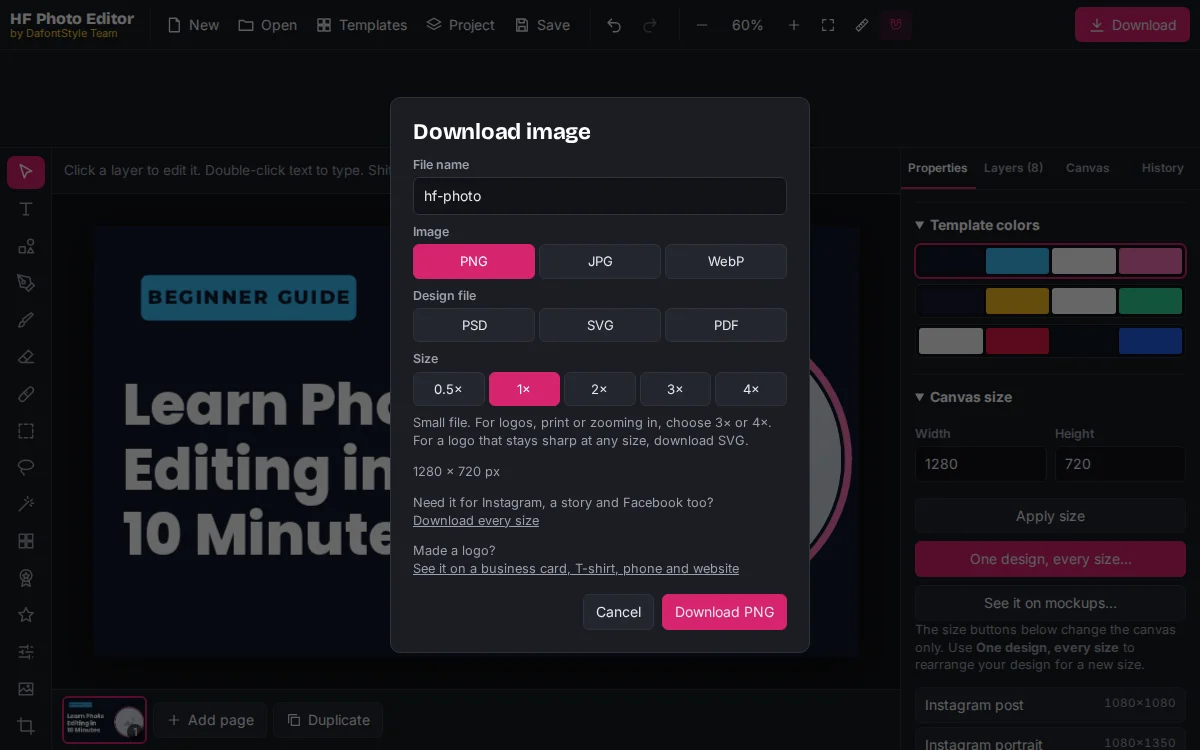
Click Download, choose JPG and set the size to 1×. You get a 1280 × 720 file that is usually well under 2 MB. PNG is also accepted, but a PNG with a photo can go over the limit.
In YouTube Studio, open Content, click your video, and under Thumbnail press Upload file. If the option is missing, verify your account with a phone number first.
Keep your channel consistent
Use the same fonts, colors and layout on every thumbnail so viewers recognize your videos at a glance. Add your channel logo in a corner; if you do not have one yet, make a channel logo with the free logo maker. For your channel banner, start from the YouTube channel art templates in the gallery.